At first, the messages looked believable.People across North Macedonia started receiving notifications that appeared to come from the new Safe City traffic enforcement system. The messages claimed that a traffic violation had been recorded and that a sanction fee needed to be paid through a link.
Safe City was already in the news, and drivers knew that traffic cameras were being introduced to detect violations. So when a message appeared about a fine, it matched something many people were already aware of. That was exactly what made the scam dangerous.
The Ministry of Interior later warned citizens not to open fake messages allegedly sent by “Safe City” and not to share personal data. The phishing attempts appeared through SMS, email, fake websites, and social media messages, redirecting people toward false payment links for alleged traffic violations.
For us, that incident changed the way we looked at phishing awareness. Suddenly, phishing was not just a topic from a cybersecurity presentation. It was local, relevant, and designed around something people were already expecting.
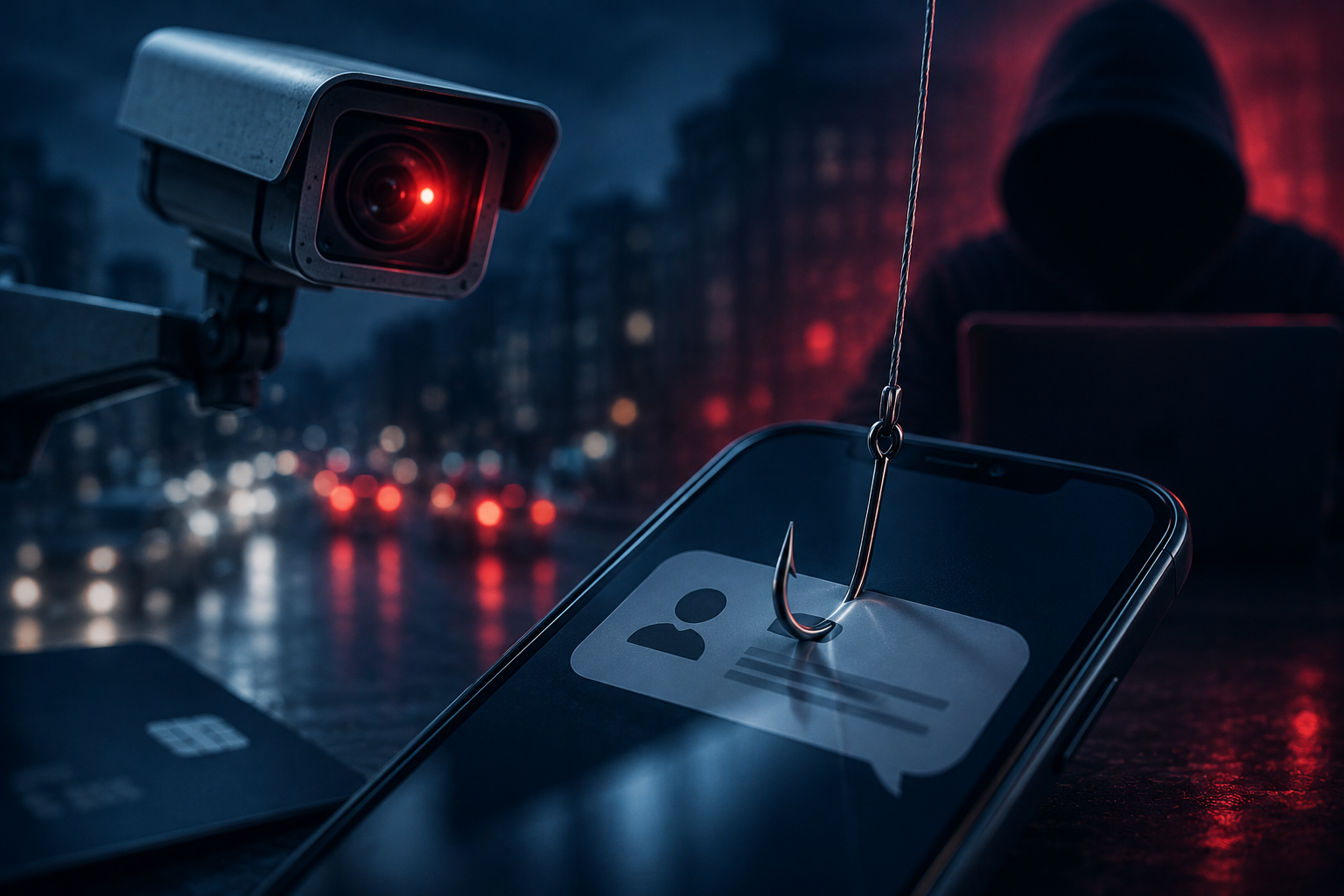
The Scam Felt Real Because the Timing Was Right
Phishing works because it feels familiar.
The attackers used urgency to push people into acting fast: pay the sanction, check the violation, avoid a bigger problem. It did not need to be highly technical. It only needed the right timing, a familiar context, and enough pressure to make someone click.
The same thing can happen inside a company. A fake invoice looks like finance. A fake HR message feels expected. A fake login page looks like a tool employees use every day. A fake manager request creates pressure because people are used to moving quickly.
That was our wake-up call.
We Stopped Treating Phishing as a One-Time Training Topic
Like most teams, we had already talked about phishing before. We had reminders about suspicious links, unknown attachments, fake login pages, and urgent requests. But the Safe City scam showed us that knowing the basics is not always enough.
So we changed the approach. Instead of treating phishing awareness like a yearly training session, we started treating it like a daily habit.
The goal was not to scare people or overload them with technical details, but to make phishing easier to recognize in everyday situations.
We Used Realistic Examples, Not Obvious Ones
Many phishing examples are too easy to spot: fake lottery winnings, strange email addresses, bad grammar, or messages that look suspicious from the first line. They do not prepare people for the attacks that actually work.
So we started using examples closer to everyday work: vendor payment requests, shared documents, password reset emails, fake invoices, delivery notices, urgent management messages, and alerts asking for personal information or payment details.
The point was not to teach people how to spot bad phishing. The point was to help them question convincing phishing.
We Made the Rule Simple: Pause Before You Act
Instead of giving people a long checklist, we focused on one rule: stop before you pay, log in, or share sensitive information.
If a message asks for money, pause.
If it asks for a password, pause.
If it asks for card details, pause.
If it asks for personal data, pause.
If it asks for urgent approval, pause.
If it sends you to a link you were not expecting, pause.
That pause gives people time to verify the request. Real requests can be verified through official channels instead of unexpected links.
We Made Reporting Easier Than Ignoring
People often avoid reporting suspicious messages because they are unsure. They may think they are overreacting, worry they clicked something they should not have, or feel embarrassed.
So we made the reporting message clear: if something feels suspicious, report it. If you clicked, report it. If you entered information, report it immediately.
No blame. No embarrassment. No complicated process.
A suspicious message reported early can protect the whole company. It gives the IT team time to block links, warn others, reset credentials if needed, and check whether similar messages reached more employees.
Training Alone Was Not Enough
Awareness matters, but it cannot be the only defense. Even careful people can make mistakes, especially when they are busy or under pressure. That is why we also reviewed the technical controls around our systems.
We looked at multi-factor authentication, access permissions, email filtering, suspicious link detection, account recovery processes, and internal approval flows. The goal was simple: make sure one wrong click would not automatically become a serious incident.
Good security should not depend on perfect behavior. It should support people with systems that reduce risk, limit damage, and make suspicious activity easier to catch.
What Changed
After we changed our approach, phishing awareness became more practical. Employees were more willing to ask questions. Suspicious messages were reported faster. Security reminders felt less like compliance and more like common sense. People started recognizing the pattern behind phishing instead of only looking for obvious mistakes.
The Safe City scam was frustrating, but it gave us a useful reminder: phishing works best when it feels normal. It copies the systems, brands, people, and processes we already trust. So we stopped treating phishing awareness like a checkbox and started treating it like part of our everyday security culture.
Because the most dangerous phishing messages are not the ones that look suspicious.
They are the ones that look completely normal.