Why “Boring” Is the Ultimate Success Metric
In the world of project management, there’s one phrase that should make any experienced lead uncomfortable:
“The Big Bang Migration.”
It sounds impressive. Dramatic. Even heroic.
But in reality, it usually means months of isolated planning, followed by a single high-stakes weekend where everything must work perfectly.
No room for surprises.
No room for mistakes.
And definitely no room for messy data.
Unfortunately, real-world data migrations are rarely that predictable.
Data is inconsistent.
Legacy systems hide unexpected dependencies.
Mappings break.
Stakeholders have high expectations.
When the go-live weekend starts to feel like a high-pressure rescue mission, the truth is simple:
The project framework failed long before the migration began. At Hopp Solutions, we believe successful migrations should feel almost uneventful. In fact, our internal rule is simple:
If your go-live isn’t boring, your project management wasn’t tight enough.
Here’s how we use Agile PMO principles to remove the drama from complex data migrations.
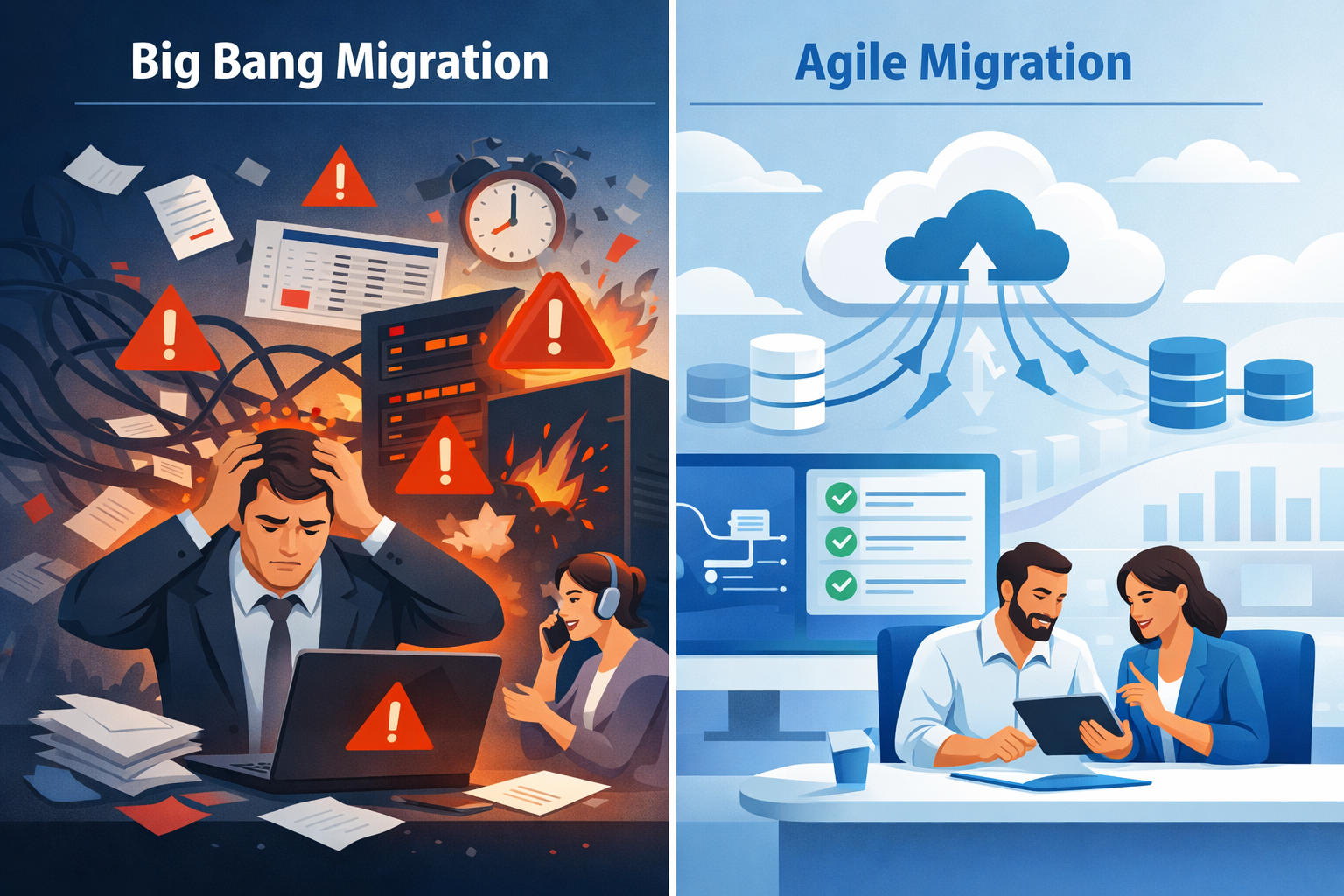
1. The Death of the “Big Bang”
Traditional migration projects often follow a waterfall model.
The process typically looks like this:
1. Months of analysis
2. Data mapping and transformation planning
3. Infrastructure preparation
4. A final migration event
The problem?
You don’t discover the real problems until the very end.
Data inconsistencies, transformation errors, and unexpected system dependencies often remain hidden until the final testing phase—or worse, until the go-live weekend.
By that point, the team is under intense pressure to fix everything at once. This is exactly why Big Bang migrations carry enormous risk.
At Hopp Solutions, we take a different approach.
Instead of waiting until the end, we run iterative migration sprints.
Small subsets of data are migrated early and repeatedly in controlled environments. This allows the team to identify issues while the project is still flexible enough to adapt.
Common issues that surface early include:
● Dirty or incomplete legacy data
● Broken data relationships
● Incorrect mapping logic
● Unexpected system dependencies
By identifying these issues in Week 2 instead of Month 6, teams can fix them quickly and refine the migration process continuously.
This approach follows a simple philosophy:
Fail fast. Fix faster.
By the time the final migration happens, the process has already been executed multiple times in testing environments.
The actual go-live is no longer a risky experiment.
It’s simply a final repetition of a process that already works.
2. Managing “Business Objects,” Not Just Tables
One of the biggest challenges for project managers during a migration is communicating progress to non-technical stakeholders.
Technical teams often report progress in database terms:
● “Table A is 60% mapped”
● “Transformation logic for Schema B is complete”
● “Field-level mapping validation is ongoing”
For a CEO or department head, these updates mean very little.
They don’t reflect the real question stakeholders care about:
“Will our business data still work when we switch systems?”
To bridge this communication gap, we structure migration projects around business objects instead of technical tables.
Examples include:
● Customers
● Orders
● Products
● Assets
● Contracts
● Financial records
These objects represent how the business actually operates, not how the database is structured.
This shift creates several advantages.
Alignment Between IT and Business
When teams track migration progress by business objects, technical work directly reflects operational outcomes.
Instead of saying:
“Table relationships are being validated.”
We can say:
“Customer data migration is fully validated and ready.”
This immediately makes progress understandable for leadership. Clearer Project Reporting
Status updates become more meaningful.
Stakeholders can easily see which parts of the business data ecosystem are ready and which still require validation.
Reduced Miscommunication
When everyone speaks the same language—business outcomes rather than database structures—projects move faster and with fewer misunderstandings.
3. The Power of a Dedicated PMO
Data migration is often misunderstood as a purely technical task. In reality, it is a large-scale change management initiative.
New systems affect workflows.
Teams must adapt to new tools.
Data structures evolve.
Without proper coordination, even technically successful migrations can fail operationally.
That’s where a dedicated Project Management Office (PMO) becomes critical. A strong PMO ensures migrations stay structured, transparent, and predictable. Risk Mitigation
Migration projects involve many moving parts:
● Data mapping
● Infrastructure readiness
● Application dependencies
● User training
● Business continuity planning
A PMO continuously monitors these areas to identify risks early.
Instead of reacting to problems during go-live, the team proactively resolves them throughout the project lifecycle.
Total Transparency
Migration projects often suffer from information silos.
Technical teams track progress internally while business stakeholders receive only occasional updates.
A structured PMO eliminates this gap through centralized reporting and dashboards.
This creates a single source of truth where stakeholders can clearly see: ● Migration progress
● Data validation status
● Identified risks
● Timeline adjustments
No guessing. No surprises.
Seamless Knowledge Transfer
One of the most overlooked phases of migration projects happens after the technical migration is complete.
Teams must know how to operate within the new system environment. A PMO ensures the transition includes:
● Documentation
● Operational handover
● User enablement
● System governance guidelines
The result is a clean, functional environment that teams can immediately work within, rather than a system that technically works but creates operational confusion.